Autodesk Inventor
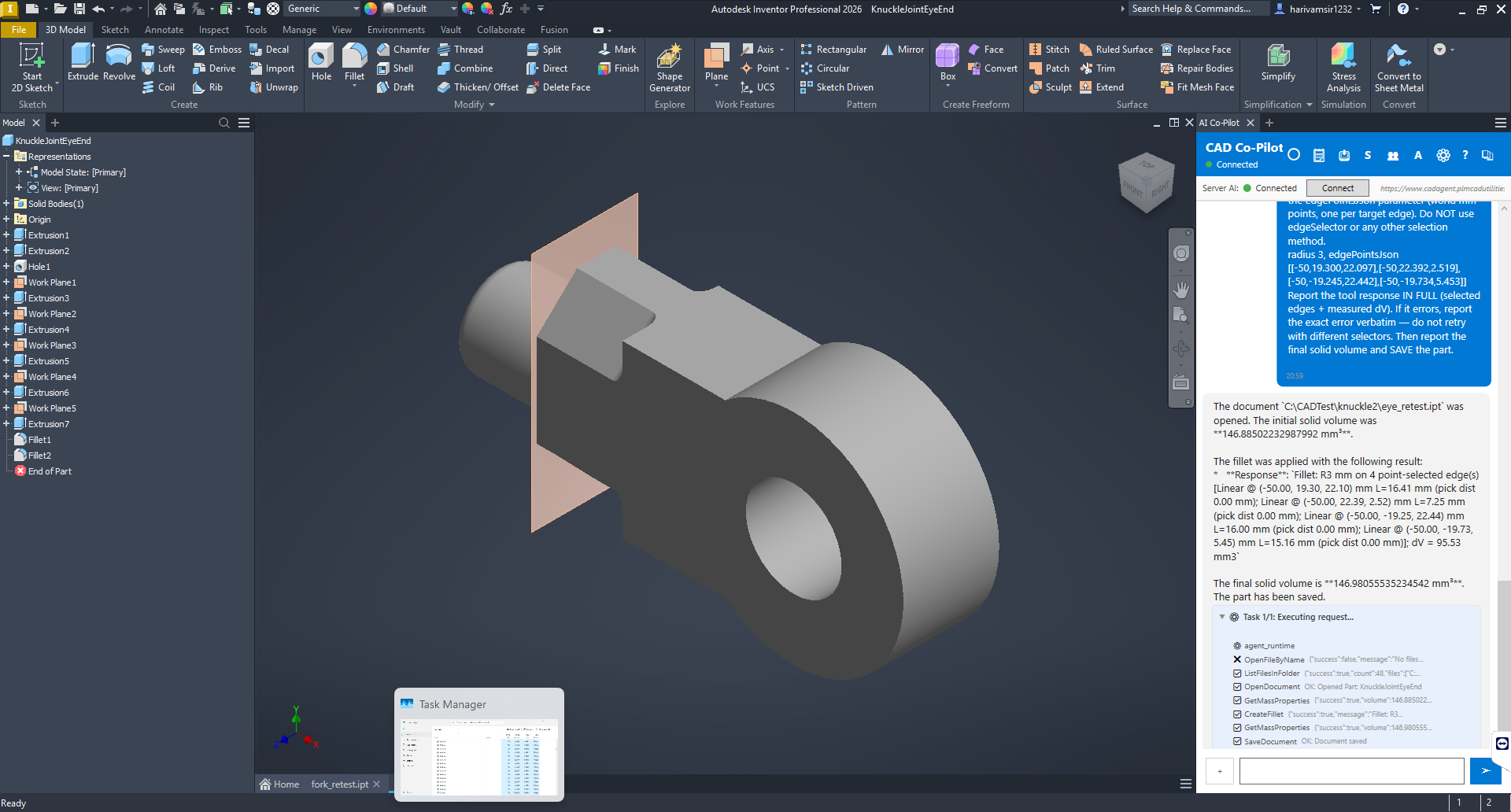
CAD Co-Pilot is an AI chat assistant built into Autodesk Inventor as an add-in. Describe what you want in plain language and CoPilot carries out the work in your open document — sketches, features, drawings, assemblies, sheet metal, stress analysis and Vault — reporting each step as it goes.
Installation
Run the Autodesk Inventor CAD Co-Pilot MSI installer (the per-CAD installer for Inventor). Close Inventor before installing. When the installer finishes, restart Inventor; the add-in loads automatically and its ribbon button appears.
Where to find CoPilot
On the Inventor ribbon, find the AI Co-Pilot button in the AI Assistant panel. Click it to toggle the chat panel open or closed. A CoPilot Help button sits next to it and opens this help.

Your first prompts
Then move on to the worked examples in Part Modeling.
Two Inventor-specific habits
Save the part before anything that needs real geometry — particularly a stress study. An unsaved Inventor part cannot be meshed properly, and the fallback approximation is roughly twice as stiff as the real part. CoPilot says so when this happens; do not ignore it.
Name directions by axis, not by word. Inventor's own direction enumerations do not have a consistent world meaning between a join and a cut on the same sketch, so “positive” is not a reliable instruction. Say +Z or -X and it is honoured regardless of the sketch plane's orientation.
What CoPilot can do in Inventor
- Modelling — sketches, extrude, revolve, sweep, loft, fillet, chamfer, hole, thread, shell, draft, boolean, split, patterns, mirrors, reference geometry. See Part Modeling.
- Surfaces — offset, extend, trim, thicken, planar surface.
- Sheet metal — base flange (face), edge and contour flanges, bends, hems, jogs, corner breaks, flat pattern and DXF export.
- Assemblies — place, constrain, replace, ground, suppress, exploded views, BOM export and import, interference checks, cloning. See Assemblies.
- Drawings — sheets, views, dimensions with automatic value checking, notes, balloons, parts lists, centre marks, GD&T, weld and surface-finish symbols. See Drawings.
- Model states and representations — see below.
- Parameters — list, read, create, change, import and export, including driving features from named parameters.
- Stress analysis — Inventor's built-in Stress Analysis and Autodesk Inventor Nastran. See Simulation & FEA.
- Nesting — using Inventor's own Nesting Utility, when Inventor Professional and the Nesting add-in are installed.
- Autodesk Vault — see Autodesk Vault.
Model states and representations
Inventor has several variant mechanisms and CoPilot handles them by their proper names. Ask what exists first:
You will get back model states, positional representations, design view representations, levels of detail and, for an iPart or iAssembly, its family members.
Levels of detail are deprecated by Autodesk and are read-only here — they can be listed and activated, but not deleted.
iPart and iAssembly members cannot be deleted from chat, because that means editing a factory table row. Create and activate work normally.
Component suppression does not vary per model state in the way SOLIDWORKS configurations vary per configuration. If you need suppression to differ, activate the model state and check the component list before relying on it.
iLogic — and why there is no macro recorder
Inventor does not support native macro recording, and CoPilot will tell you so rather than pretending to record. Inventor's automation story is iLogic, and that works well:
iLogic rules can also be stored in the Automation Hub with named parameters, so colleagues can run them without opening the rule editor. CoPilot's own recorded macros work in Inventor exactly as in the other CAD systems — see Macros.
Application preferences
Inventor preferences are addressed by their option object — for example GeneralOptions at application scope, or Document:DrawingSettings for the active document. A document-scoped preference needs a matching document type open.
Data management
If your organization uses Autodesk Vault, CoPilot uses the vault Inventor is already signed in to — check in and out, search, read and write properties, drive lifecycle transitions, revise files and export BOMs. All 29 data-management operations are implemented against the Vault SDK. See Autodesk Vault.
Things that behave differently or are not available on Inventor
- Native macro recording — not available; use iLogic.
- Automatic shutoff surfaces for mould tooling — Inventor has no API for it, so you must name the opening faces and CoPilot builds them manually. It refuses the automatic route rather than producing nothing silently.
- Drawing border and title block changes — not supported; sheet size and scale are.
- Parts lists need an assembly view already placed on the sheet.
- Layer commands from chat are NX-only.
- Face divide, face delete, face replace, curve projection and CAM setup / toolpath generation do not produce geometry. Verify with a face count and a volume if you try them.